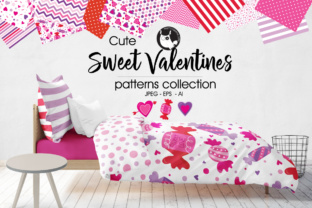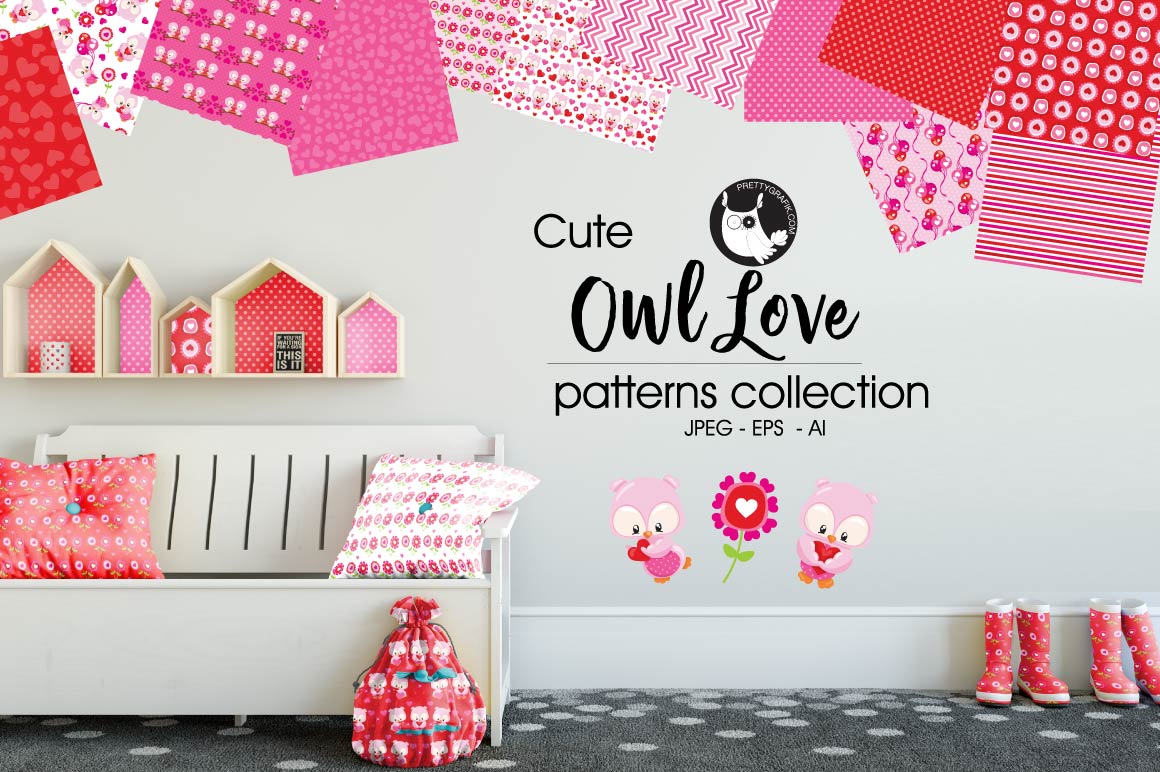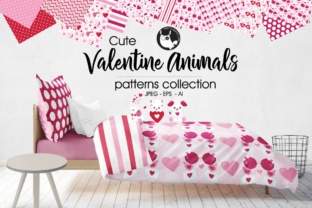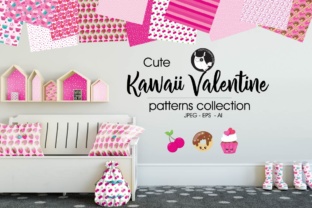
Kawaii Valentine Pattern Backgrounds
Imagine opening a digital design kit and finding soft pastel hearts, smiling cupcakes, blushing cherries, and tiny stars—all arranged in cheerful, repeatable patterns that instantly lift the mood. That’s the heart of Kawaii Valentine: not just a theme, but a warm, intentional visual language rooted in Japanese “kawaii” culture—celebrating cuteness, kindness, and gentle joy—and perfectly timed for February, yet versatile enough to use all year.
What Makes a Kawaii Valentine Design Truly Special?
It’s more than pink and red. A genuine Kawaii Valentine pattern balances sweetness with sophistication—think hand-drawn outlines, subtle texture overlays, balanced negative space, and harmonious color palettes (think mint + blush, lavender + buttercream, or sky blue + coral). These aren’t chaotic doodles; they’re thoughtfully composed repeating motifs designed to feel uplifting without overwhelming.
Unlike generic romantic graphics, Kawaii Valentine patterns avoid clichés. There are no overly dramatic roses or scripted love notes—just friendly icons: winking strawberries, bow-tied bunnies, confetti-filled gift boxes, and hearts wearing tiny sunglasses. The tone is inclusive, playful, and gender-neutral—making it ideal for cards, social posts, classroom materials, or small business branding that wants to feel personal, not prescriptive.
Why This Set Fits Real Creative Needs
This collection delivers exactly what busy creators need: flexibility without compromise. You’ll receive a full set of graphic elements—each saved individually as high-resolution 300 DPI JPEGs for immediate use in Canva, PowerPoint, or print projects. Plus, two editable source files: one EPS vector (compatible with virtually any design software) and one native Adobe Illustrator (.ai) file for precise customization.
That means whether you’re resizing a background for an Instagram story or extracting a single candy heart to animate in After Effects, you’re covered. No pixelation. No licensing surprises. Just clean, scalable assets ready for both digital and physical output—from DIY greeting cards to boutique packaging or teacher-made classroom posters.
Where These Patterns Shine in Everyday Projects
- Small Business Owners: Use the seamless patterns as shop banner backdrops, product label wraps, or email newsletter headers—adding charm without clutter. A bakery might wrap cupcake boxes with a strawberry-and-ribbon motif; a stationery brand could line notebook interiors with tiny floating hearts.
- Educators & Parents: Print the JPEGs at full size for bulletin board borders or laminated activity mats. The friendly visuals help lower anxiety around emotional topics—perfect for Valentine’s Day social-emotional learning (SEL) lessons or kindness-themed classroom challenges.
- Bloggers & Marketers: Swap out generic stock backgrounds for something memorable. Pair a soft watercolor-style pattern with bold, minimalist text for Pinterest pins—or layer a subtle dot-and-heart repeat behind blog post headers to reinforce seasonal messaging without shouting.
- Freelancers & Designers: Drop the vector files straight into client presentations as editable swatches. Adjust colors to match brand guidelines, isolate elements for custom illustrations, or combine motifs to build unique scene-based compositions.
Beginner-Friendly, But Built for Growth
If you’ve never opened Illustrator before, start with the JPEGs—they work in free tools like Google Slides or PicMonkey right away. Prefer drag-and-drop? Upload any JPEG to Canva, set it as a background, and add text or photos on top. Want more control later? Open the .ai file—you’ll find layers clearly labeled (e.g., “Main Pattern,” “Accent Icons,” “Color Variants”), so even first-time users can mute or recolor sections with confidence.
The EPS file ensures compatibility if you ever switch platforms—whether moving to Affinity Designer, CorelDRAW, or even newer AI-powered tools. And because every element is saved individually, you’re never stuck trying to extract a single icon from a crowded PNG. Need just the glittery envelope? It’s already isolated, sized, and optimized.
Things to Keep in Mind Before You Begin
First—consider your end use. For web-only projects (social media, websites), JPEGs are fast-loading and universally supported. For large-format printing (banners, fabric, signage), lean on the vector files—they’ll stay razor-sharp at any scale.
Second—think about contrast and readability. While these patterns are soft and sweet, avoid placing light-colored text directly over busy areas unless you add a subtle semi-transparent overlay or shadow. A quick test: squint at your layout. If the message blurs into the background, simplify.
Third—check color mode if printing professionally. The included files are RGB by default (ideal for screens), but most commercial printers prefer CMYK. Your designer or print provider can convert easily—but it’s worth noting early if your project goes to press.
More Than Just a Trend—A Thoughtful Design Choice
Choosing Kawaii Valentine isn’t about chasing aesthetics alone. It’s about signaling warmth, approachability, and care—qualities that resonate deeply with audiences aged 20–50, whether they’re launching a side hustle, teaching third graders, or designing a wedding invitation suite for a non-traditional couple.
These patterns don’t shout. They smile. They invite. They make technical tasks—like building a cohesive brand palette or preparing a classroom resource—feel lighter and more joyful. And because they’re built on timeless kawaii principles (simplicity, positivity, attention to detail), they age gracefully—no frantic redesigns needed when February ends.
Whether you're sketching ideas on paper or fine-tuning a mockup in Figma, having a reliable, high-quality pattern library changes how efficiently—and happily—you create. With this set, you’re not just getting files. You’re getting permission to keep things kind, clear, and quietly delightful.